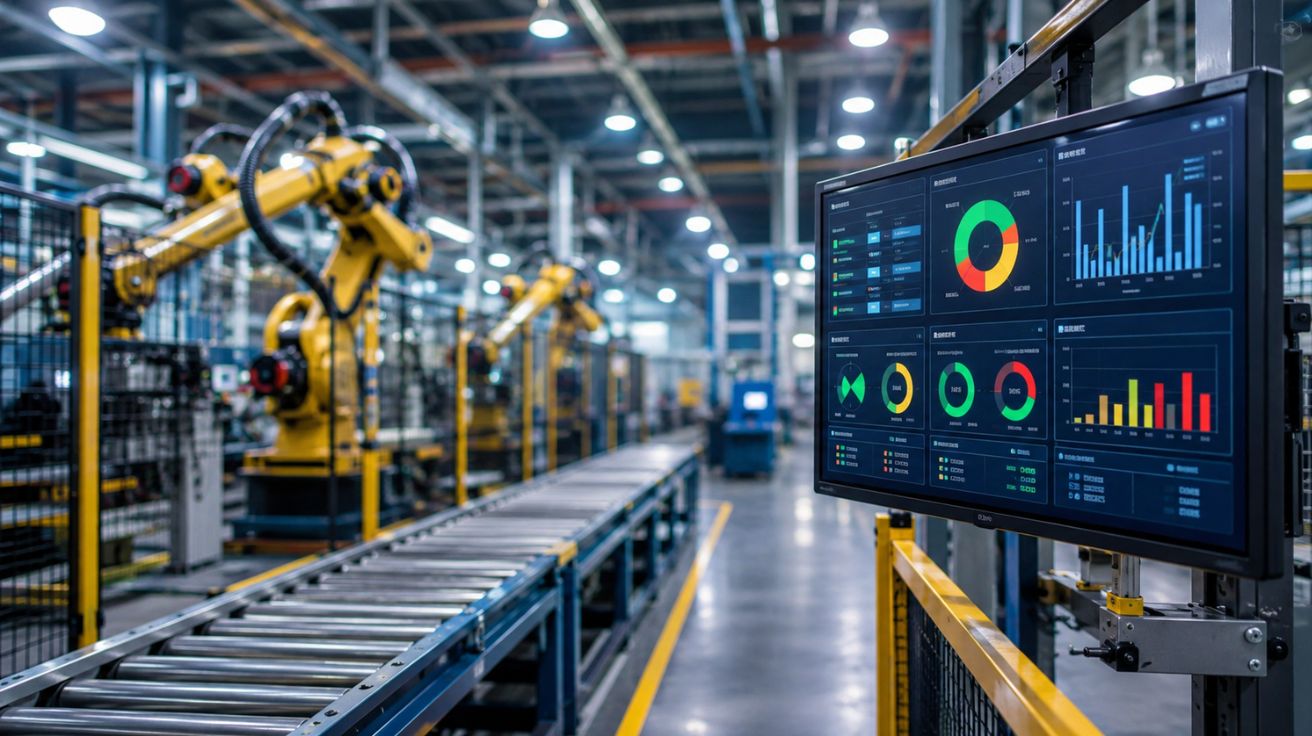

Manufacturing facilities across the United States are under consistent pressure to reduce unplanned downtime, improve floor-level communication, and maintain production targets without adding layers of administrative overhead. In environments where a single bottleneck can affect an entire shift’s output, the tools used to monitor and communicate operational status matter in a very practical way.
Visual factory software has moved from a niche automation concept into a serious operational consideration for plant managers, operations directors, and production engineers. But the decision to adopt any new system on the factory floor is rarely simple. The wrong choice can disrupt established workflows, frustrate operators, and create more reporting burden than it removes. The right choice, on the other hand, can stabilize communication, surface problems earlier, and give supervisors a reliable picture of what is actually happening in real time.
Before committing to a purchase, there are ten specific areas every factory manager in the US should evaluate carefully. These are not abstract criteria. They reflect the real conditions that determine whether a software deployment succeeds or quietly fails within six months of installation.
Understanding What Visual Factory Software Is Actually Built to Do
Before evaluating vendors or comparing feature lists, it is worth establishing a clear picture of what this category of software is designed to accomplish. A thorough Visual Factory Software guide will typically explain that these systems are built to surface real-time operational data on the production floor through visual signals, dashboards, and status displays — replacing informal communication and paper-based tracking with structured, live information flows.
The core purpose is visibility. When a machine goes idle, when a production target is falling behind, or when a quality issue is developing, visual factory systems are designed to communicate that condition immediately and clearly to the people who need to act on it. This is different from back-office reporting tools, ERP modules, or quality management systems, even though there is often overlap in how they are marketed.
Why the Distinction Matters Before You Buy
Many facilities have made purchasing decisions based on vendor presentations that blur the line between operational visibility tools and broader manufacturing intelligence platforms. When those systems are deployed, floor operators find them overcomplicated, supervisors cannot pull the information they need quickly, and the tool ends up being used in a limited way that does not justify its cost. Understanding what the software was specifically designed to do — and matching that to your actual operational need — is the foundation of a sound evaluation.
Real-Time Data Flow Versus Reporting Delays
There is a meaningful difference between a system that updates production status in real time and one that aggregates data and presents it on a delayed cycle. For many factories, a fifteen-minute reporting lag is operationally irrelevant. For others, particularly those running high-volume or tightly sequenced production lines, that same delay makes the data nearly useless for decision-making during a shift.
How Data Latency Affects Floor-Level Decisions
When supervisors and team leads are working with data that reflects conditions from thirty minutes ago, their responses to emerging problems are always reactive rather than preventive. A machine that showed a slowdown in output twenty minutes ago may already have caused a backlog that takes the rest of the shift to clear. Real-time visibility closes that gap. When evaluating any visual factory system, ask specifically how data moves from the machine or process to the display, and what the maximum realistic lag is under normal operating conditions.
Integration with Existing Equipment and Systems
Most US manufacturing facilities are not starting from a blank slate. They have existing machinery, some of which may be decades old, alongside newer equipment with varying degrees of connectivity. They also have ERP systems, maintenance management platforms, and quality tracking tools that have been in place for years.
The Hidden Cost of Poor Integration
A visual factory platform that cannot connect cleanly with the equipment already on your floor will require either costly custom development or manual data entry to function. Both options undermine the core value of the system. Before any purchase, document your existing equipment communication protocols, your ERP environment, and any existing data collection infrastructure. Ask vendors specifically how their system handles legacy equipment and what integration support is included in the contract.
Operator Usability at the Floor Level
Software deployed on a factory floor is used by people whose primary job is not working with software. Line operators, machine technicians, and shift supervisors are managing physical processes under time pressure. A system that requires extensive navigation or training to use correctly will not be used correctly — regardless of how capable it is in a demonstration environment.
Evaluating Usability Before Deployment
Request a pilot or trial deployment with actual floor staff, not just management or IT.
Observe how quickly operators can:
- Read the displays.
- Log events.
- Escalate alerts.
If people are ignoring the system or working around it within two weeks of installation, that is not a training problem — it is a design problem. Usability should be treated as a functional requirement, not a secondary consideration.
Alert Configuration and Escalation Logic
Visual systems generate alerts. The question is whether those alerts are configured in a way that reflects your actual operational priorities. A system that generates too many low-priority notifications will train people to ignore all notifications. A system with poorly defined escalation paths will leave critical issues sitting unacknowledged while the right person remains unaware.
Building Alert Logic Around Real Operational Thresholds
Effective alert configuration requires input from both production management and floor supervisors. The thresholds that trigger an alert should reflect the real point at which action is needed — not a generic default set by the software vendor.
Ask vendors whether:
- Alert logic is fully configurable.
- Escalation paths can be mapped to specific roles or individuals.
- The system handles alert fatigue over time.
Scalability Across Shifts, Lines, and Facilities
A system that works well on a single production line under one shift needs to perform equally well across multiple lines, around-the-clock operations, and potentially across more than one facility. The architecture of the software determines whether that expansion is straightforward or whether each new deployment becomes its own implementation project.
Planning for Growth Before You Commit
Ask vendors for case studies or references from facilities that have expanded their deployment after the initial implementation. Understand how user management, role permissions, and display configurations are handled at scale. A system that is difficult to replicate across your operation will limit adoption and create inconsistency in how production data is captured and used.
Data Security and Access Controls
Production data is operationally sensitive. Information about output rates, downtime events, and quality performance has competitive implications and, in some industries, regulatory ones. The NIST Cybersecurity Framework provides a useful baseline for evaluating how industrial software systems should approach data protection, access management, and incident response.
What to Examine in a Security Evaluation
Review:
- How the system handles user authentication.
- What access controls exist for different roles.
- How data is stored and backed up.
- What the vendor’s policy is in the event of a breach or system compromise.
For facilities operating in regulated industries or those with contractual data security obligations to customers, this evaluation is not optional.
Vendor Support and Implementation Resources
The quality of a vendor’s implementation support is often more consequential than the quality of the software itself. A well-designed system deployed poorly will underperform. A moderately capable system deployed with strong on-site support and clear training will often outperform a more sophisticated tool that was handed over with minimal guidance.
Questions That Reveal Real Support Capacity
Ask:
- How implementation is structured.
- Whether the vendor provides dedicated support during the initial go-live period.
- What training resources are available and in what format.
- What happens when problems arise after go-live.
- Whether there is a dedicated support contact.
- What response time commitments exist.
- Whether ongoing system updates are included or billed separately.
Total Cost of Ownership Beyond License Fees
Software license costs are the most visible line in any vendor proposal, but they rarely reflect the full cost of deploying and maintaining a visual factory system. Integration work, hardware for displays and sensors, staff time during implementation, ongoing training for new employees, and future upgrade costs all contribute to the real cost of ownership over a three to five-year horizon.
Building a Complete Cost Model
Before approving any purchase, build a cost model that includes:
- Hardware requirements.
- Internal IT resources required for deployment and maintenance.
- Any third-party integration work.
- Year-two and year-three projections for licensing and support fees.
Compare that total against a realistic estimate of the operational value the system will deliver — reduced downtime, faster problem resolution, lower scrap rates — and evaluate whether the investment is defensible on operational grounds.
Alignment with Production Methodology and Continuous Improvement Goals
Visual management is a recognized component of lean manufacturing principles, and the way a visual factory system is structured should support rather than contradict the continuous improvement practices already in place on your floor. A system that generates data but makes it difficult to connect that data to root cause analysis, shift-level reviews, or process improvement cycles will limit the return on the investment.
Connecting Visibility to Action
Evaluate whether the system provides historical data in a format that supports post-shift reviews and trend analysis. Understand how the tool can be used in regular operations meetings or kaizen events. A visual factory system that lives only on the floor display and does not feed into broader improvement conversations is a narrower tool than most facilities need.
Closing Considerations
Buying visual factory software is not a decision that should be driven by a vendor demonstration or a feature comparison alone. It is an operational decision with real consequences for the people who work on your floor every day and for the reliability of the production output you are responsible for.
The ten points covered here are not a guarantee of a successful deployment, but they represent the areas where poorly evaluated decisions most commonly create problems after implementation.
Work through each one carefully:
- Involve the floor supervisors and operators who will actually use the system.
- Hold vendors accountable for specific answers rather than general assurances.
A visual factory system that fits your operation will reduce the friction in how your floor communicates about problems and performance. One that does not fit will add noise and complexity to an environment that already has enough of both. The time spent on a rigorous evaluation before purchase is consistently less expensive than the effort required to undo a poor choice after the fact.
Read More: 3 Best Sites to Buy TikTok Followers (Safe & Reliable)


Leave a Comment