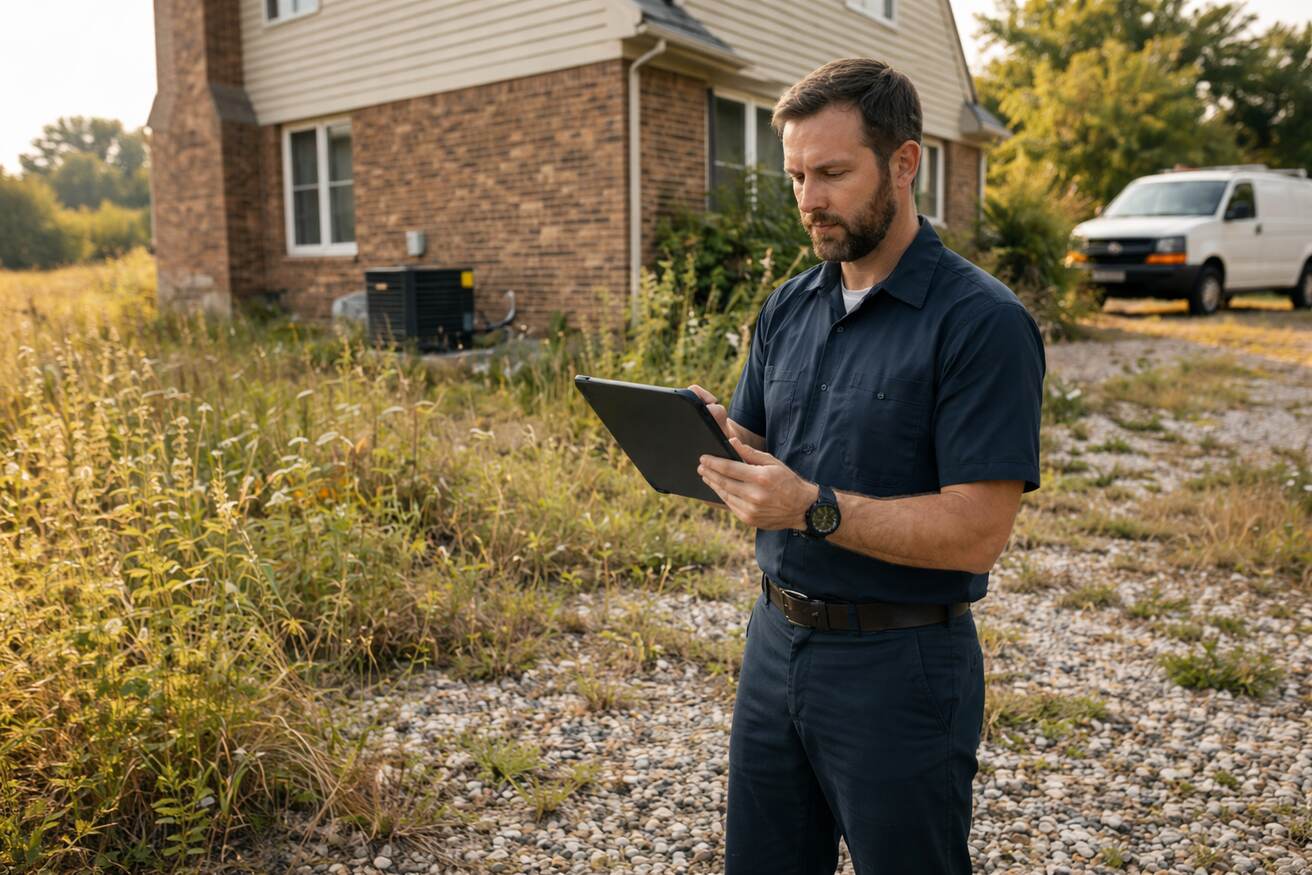

You didn’t start a trades business to spend evenings chasing invoices or figuring out why your worker showed up at the wrong address.
And yet, that’s exactly where most HVAC, plumbing, electrical, and cleaning businesses lose their day.
Not in the field. Your crew handles that. It’s the work happening behind the scenes, the scheduling mix-ups, the missing job notes, the invoices that go out three days late.
Here are six tools that are fixing that for trades businesses across the US and Canada.
1. A Job Scheduling Tool That Actually Works With Your Team
The whiteboard was fine with two trucks. Now it’s a problem.
Modern job scheduling software doesn’t just show who’s free. It assigns jobs based on location, skills, and real-time availability, then sends updates directly to your workers’ phones.
No calls. No group texts. No, wait, I thought you had that one.
The best systems give office staff a live drag-and-drop board to spot gaps before they become double-bookings and adjust quickly when a job runs long.
Why it matters:
- A job that runs 45 minutes over on a Tuesday can cause three late arrivals and one very unhappy customer by the end of the day.
The gap between hand-done scheduling and what software handles on its own has gotten pretty wide, and it gets wider every time you add another truck.
2. Digital Work Orders That Don’t Get Lost in a Van
Paperwork orders have a talent for disappearing. Into glove compartments. Into puddles. Into the gap between the seat and the console.
Digital work order tools give every job a complete record that travels with your worker on their phone.
Customer details, job notes, required tasks, photos, and signatures are all captured on-site and synced back to the office before the worker has even backed out of the driveway.
What makes a good work order system is what happens on both ends:
- Office side: See job progress in real time; no status check calls needed.
- Worker side: Everything they need before they knock on the door.
- Billing side: The completed record is already waiting when the invoice goes out.
Work order tools have come a long way. The good ones now connect job completion directly to billing, so you get paid faster.
3. A Field Service App Your Workers Will Actually Use
Software is only as good as the number of people using it. If your workers are grumbling about logging into a system from a job site parking lot, you’ve already lost.
The best field service apps are built for phones. They load fast, work on bad connections, and show only what the worker needs right now:
- Today’s jobs
- The customer address and history
- Notes from the last visit
- A way to mark jobs done and grab a signature
Nothing buried in menus. Nothing requires a manual.
For the office, the same app becomes a live window into the field. Which jobs are in progress? Which are done. Which ones has a worker not touched yet?
That view alone saves hours of status-check calls every week.
A well-built field service app keeps your workers and office connected without making things harder for anyone.
4. Field Service Management Software That Ties It All Together
Here’s where the real time savings happen.
Individual tools help. But when your scheduling, work orders, invoicing, customer history, and reporting all live in the same system and work together, something shifts. You stop spending your day jumping between apps to connect the dots.
Here’s what a connected process looks like:
- The worker completes a job
- Work order closes on its own
- The invoice is created from the completed work order
- Customer gets a notification
- QuickBooks syncs
All of that, without anyone doing it by hand at 9 pm.
Tools like Field Promax are built for exactly this kind of business, one connected system handling the back-office work so the owner isn’t the one stitching it together by hand.
The result: fewer errors, faster billing, and a lot more time spent on actual work.
5. QuickBooks Sync That Isn’t Just a One-Way Export
Most trades businesses already use QuickBooks. The problem is getting field data into it without entering things twice.
The right connection isn’t a manual export. It’s a live sync:
- Invoices created in your field software show up in QuickBooks
- Payments collected on-site update both systems right away
- Customer records stay the same across both platforms
Manual QuickBooks syncs usually waste 2-3 hours a week in data entry. That’s time that serves no one, and it causes errors when someone’s tired and rushing at the end of the day.
The bigger plus: your books are more accurate. No waiting until Friday to sort through a week of invoices. No discovering a missed payment that sat in a truck for four days.
6. GPS Tracking And Route Tools That Cut Wasted Drive Time
Fuel costs money. Idle time on the road costs money. Workers who spend 40 minutes backtracking across town because no one planned the route? That costs money, too.
GPS tracking tools give real-time vehicle tracking, but the smarter ones go further.
- Build tighter routes before the day starts
- Catch when a worker is running behind before it becomes a bigger problem
- See how your team moves through the day
The numbers add up fast: shaving 20 minutes of drive time per worker per day across five trucks is over 400 hours a year.
The reporting side is just as valuable. Which zip codes have the most drive time? Which jobs always run long? That data shapes smarter pricing, scheduling, and growth decisions.
If you’re still managing your team across disconnected tools, it’s worth seeing what a fully connected field service platform looks like versus gluing separate apps together.
The Back Office Shouldn’t Be Your Full-Time Job
Every tool on this list exists because the old way of phone calls, sticky notes, spreadsheets, and hoping nothing falls through the cracks doesn’t work as you grow.
The trades businesses moving forward right now aren’t necessarily bigger or better funded. They’ve just got fewer hidden slowdowns.
- Their workers aren’t calling the office to ask basic questions
- Their invoices go out the same day
- Their books are current
That’s what the right tools actually buy you. Not magic. Just less chaos.
And when you’re running a business on tight margins and tighter timelines, less chaos is pretty much everything.
Frequently Asked Questions
What Is Back-Office Software For Trades Businesses?
Back-office software for trades businesses handles the work that happens behind every job, including scheduling, work orders, invoicing, customer records, and reporting. Instead of managing these in separate tools or by hand, trades businesses use connected systems to link field activity with office tasks on their own.
Do Small Trade Businesses Need Field Service Management Software?
Even two- or three-person teams benefit from software that handles scheduling, work orders, and invoicing in one place. The time savings from eliminating manual work and reducing duplicate entries often more than cover the cost, and mistakes become far less common.
How Do I Pick The Right Tool For My Trades Business?
Start with the biggest problem in your current process. If scheduling is the problem, start there. If billing is the problem, fix that first. The best platforms for small trades businesses combine scheduling, work orders, invoicing, and accounting connections in one system so you’re not managing five different logins.
Does Field Service Software Work For Solo Operators?
Yes, and often most effectively. A solo operator wearing every hat benefits from auto-features the most. A tool that sends customer notifications, creates invoices from completed work orders, and syncs with QuickBooks gives you the help of an office assistant without the payroll cost.
Author Bio –
I’m Bhargavi Halthore, and I’ve spent a decade diving deep into the world of digital marketing and tech. Working closely with startups and tech wizards alike has kept me entertained. What excites me most is watching how software can completely transform a business! Breaking down complex technological concepts so everyone understands them is my specialty. When not exploring these latest business software trends I can usually be found sharing what I have learned at events around America or Canada.
My goal? To help you discover the perfect tech tools that’ll take your business to new heights.
Read More: What Your Lunch Says About Your Leadership


Leave a Comment