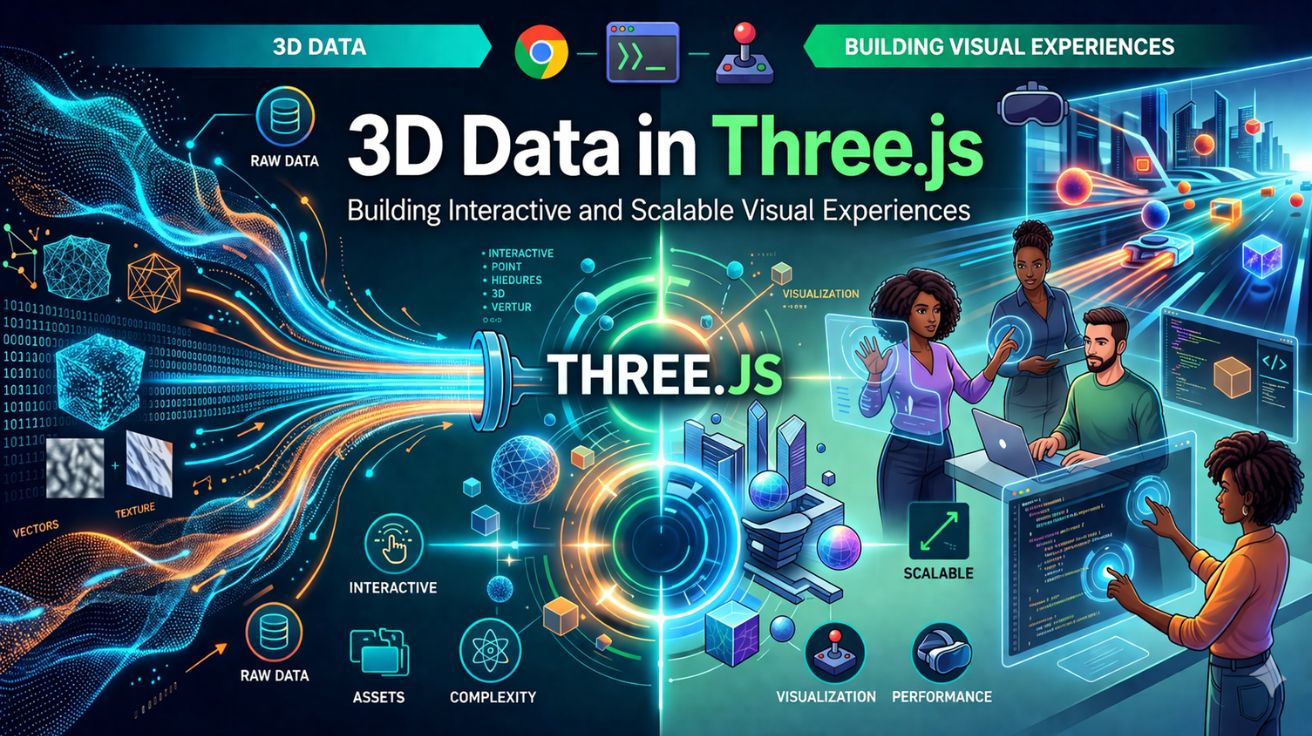

3D Data in Three.js for Modern Web-Based Visualization
Web applications are shifting from static layouts to immersive visual experiences, especially in product visualization, simulation, and data storytelling. This change has increased the demand for efficient 3D rendering in the browser. 3D Data in Three.js makes it easier for developers to create interactive and high performance 3D environments using WebGL without complex low level work. It provides a clear way to represent, manage, and render 3D objects in web applications. In real scenarios, 3D Data in Three.js helps businesses create engaging experiences that improve user interaction, make visuals clearer, and increase application value.
Understanding 3D Data Structures in Three.js
Three.js organizes 3D content using a structured approach that simplifies rendering and interaction.
- Geometry
Defines the shape of objects using vertices, edges, and faces. - Materials
Control the appearance of objects, including textures, colors, and lighting effects. - Mesh
Combines geometry and material into a renderable 3D object. - Scene and Camera
The scene holds all objects, while the camera defines the viewpoint for rendering.
These elements form the backbone of how 3D Data in Three.js is structured and displayed efficiently in the browser.
Rendering Pipeline and WebGL Integration
Three.js makes the WebGL rendering process easier, so developers can spend more time creating features instead of handling low level graphics code.
The rendering workflow typically includes:
- Creating a scene
- Adding objects and lights
- Setting up the camera
- Rendering frames continuously
This pipeline keeps rendering smooth and handles 3D Data in Three.js efficiently, even in complex environments.
Managing and Optimizing 3D Assets
Handling 3D models efficiently is critical for performance and user experience.
Common asset formats include:
- GLTF and GLB for optimized web delivery
- OBJ for basic geometry representation
- Texture maps for surface detail
Optimizing these assets helps reduce load times and improve rendering efficiency. This approach connects with ui development services, where performance and responsiveness have a direct impact on user engagement.
Transformations and Animation Handling
Three.js allows dynamic manipulation of 3D objects through transformations such as:
- Position changes (translation)
- Rotation across axes
- Scaling for size adjustments
These transformations are needed for animations, simulations, and interactive environments. Handling them well makes 3D scenes feel more natural and responsive.
Lighting and Material Effects
Lighting plays an important role in making 3D environments look more realistic. Three.js offers different lighting options like ambient, directional, and point lights.
Materials react to lighting to create reflections, shadows, and textures. When used properly, they add depth and improve the overall look of applications using 3D Data in Three.js.
Backend Integration for 3D Applications
3D applications usually depend on backend systems to manage large amounts of data, user activity, and changing content.
This is where backend development services become important, enabling efficient data handling, API integration, and scalable infrastructure for 3D applications.
Strong backend support ensures that 3D environments remain responsive and capable of handling real-time updates.
Performance Optimization Techniques
Rendering 3D content in browsers can be resource-intensive, making optimization essential.
Key techniques include:
- Reducing polygon count in models
- Using compressed textures
- Implementing level of detail (LOD)
- Minimizing draw calls
- Lazy loading of assets
These practices ensure that 3D Data in Three.js performs efficiently across devices, including mobile platforms.
Real-Time Interactivity and User Engagement
One of the biggest strengths of Three.js is its ability to create interactive experiences.
Users can:
- Rotate and zoom objects
- Interact with 3D elements
- Trigger animations
- Explore environments dynamically
These capabilities enhance engagement and make applications more intuitive and visually appealing.
Use Cases Across Industries
Three.js is widely used across industries for:
- Product visualization in e-commerce
- Architectural walkthroughs
- Gaming and simulations
- Data visualization dashboards
- Training and educational tools
In these scenarios, teams often rely on three js development services to build scalable, high-performance 3D solutions tailored to business needs.
Challenges in Working with 3D Data
Despite its advantages, working with 3D data presents challenges such as:
- High GPU and CPU usage
- Large file sizes
- Performance tuning complexity
- Browser compatibility considerations
Addressing these challenges requires efficient asset management and optimized rendering strategies.
Future of 3D Data in Web Applications
The future of web based 3D is changing with progress in WebGPU, real time rendering, and technologies like AR and VR. As browsers get better, 3D Data in Three.js will continue to help create more detailed and realistic applications across industries.
Conclusion
Three js makes it much easier to create 3D applications on the web. Its way of handling rendering, assets, and interaction helps the developers to create immersive experiences without getting into too much complexity. Using 3D Data in Three js allows applications to move past basic interfaces and offer more interactive environments that improve user engagement. For the organizations working on advanced 3D platforms, three js development services help improve performance and handle scaling as needed. In such cases, working with experienced teams like Pattem Digital helps to keep the work clear and results consistent.
Read More: Why Ai Video Is Forcing Companies To Rethink Content Governance Policies


Leave a Comment