
Talking online is now a normal part of daily life. Your voice plays a big part in how people hear and connect with you in everything. However, what if you could change how your voice sounds instantly without any delays or needing to edit recordings?
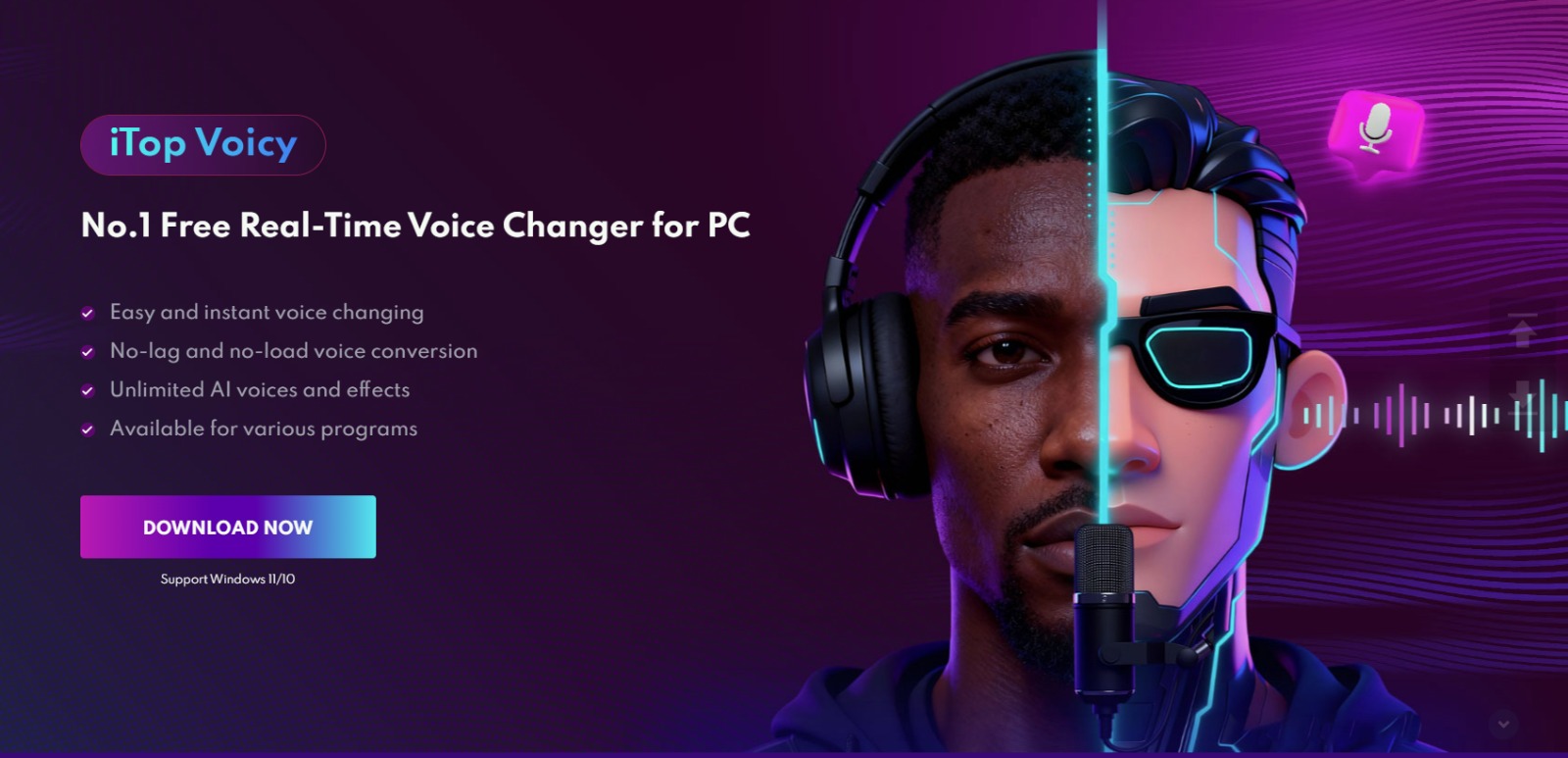
That is exactly what real-time voice changers do. These tools change your voice as you speak instead of recording your voice and changing it afterward. One popular option for PC users is iTop Voicy. It makes live voice changing easy and fun.
Here we will walk you through how to use iTop Voicy step by step. We will also cover its main features and some ways you can use it in real life. This version focuses only on live voice changing, so the explanation is clear and straightforward.
ITop Voicy: What It Is And Why To Use It?
iTop Voicy is a voice changer for Windows that uses AI to change your voice while you are speaking. It does not need you to record and edit your voice later. Instead, it changes your voice instantly and sends the new sound to apps like games, chat programs, or streaming software.
It is made for live voice chats, talking with friends during games, and streaming online. It can also be used in virtual meetings and quick voice reactions.
Since the voice changes happen right away, your conversations sound natural with no annoying delays. This makes it great for real-time chatting and gaming.
Why To Use ITop Voicy?
Changing your voice while you talk can be helpful and fun in many ways.
• Make Conversations More Fun: Using a silly or dramatic voice during games or calls can bring surprise and laughter to your chats.
• Create Different Characters: If you are streaming or making videos, you can switch voices to play different characters without having to edit later.
• Protect Your Privacy: If you don’t want people to know it is really you speaking, changing your voice helps keep your identity private.
• Keep Your Audience Interested: Using different voice styles during a live show can make things more exciting and fun to watch for streamers.
Overall, live voice changing adds creativity, privacy, and entertainment to your online conversations.
Features That Support Live Voice Changing
Let’s look at the key features inside the iTop Voicy to understand how live voice changing works.
Instant Voice Transformation
The main feature is that your voice changes as soon as you speak. The software adjusts your voice right away and sends out the new sound without any pauses or delays. You can change things like:
• Pitch (how high or low your voice sounds)
• Tone (the overall sound quality)
• Style (robot, cartoon, deep voice, and more)
• Age or gender feel (make your voice sound younger, older, male, or female)
All this happens smoothly while you keep talking.
Wide Range Of Voice Styles
The program comes with many different voices you can switch between at any time.
Some voices are funny, some serious, and others sound futuristic or robotic. You can try as many as you want to find the perfect one for your mood or situation.
Quick Switching During Use
You can change your voice on the fly without having to pause or stop talking. This is especially handy during:
• Live streams
• Online multiplayer games
• Group voice chats
Built-In Audio Processing
The software also cleans up your voice by reducing background noise and echoes. This means your voice sounds clear and natural. This is true even after it has changed.
Custom Voice Adjustments
If you want, you can customize your voice by adjusting pitch, tone, and other settings yourself. This helps you create a unique voice instead of just picking from presets.
How To Use ITop Voicy To Change Your Voice Live?
Here is a simple guide to help you set up and use the software for live voice changing.
Install The Program
First, download iTop Voicy from the official website. After downloading:
• Open the setup file
• Follow the instructions on the screen
• Launch the program once it is installed
Choose Your Microphone
When the program opens, go to the audio input settings. Pick your microphone from the list. Speak into it to make sure it is working and adjust the input volume if needed.
You will see a visual indicator showing when your voice is detected.
Select A Voice Effect
Next, go to the voice selection area. Look through the different voice styles. Click on one to hear a preview. Choose the voice you want to use. The effect will start working right away.
Turn On Real-Time Mode
Make sure the live voice changer is on. Usually, it turns on automatically when you pick a voice. Now, when you talk, your voice will be changed instantly.
Connect To Other Apps
Open the app you want to use to use your changed voice in games, chat apps, or streaming tools:
Go to its audio settings and set iTop Voicy as the microphone input. This step is important. Without it, other apps would not hear your changed voice.
Start Talking!
Now you are ready. Speak as usual and your voice will change right away. You can also switch between different voices while talking to try out new effects.
Overall, iTop Voicy is easy to install, set up, and start having fun with live voice changing.
When To Use Live Voice Changing?
Here are some common times when live voice changing works really well:
• While playing online games with voice chat
• When streaming on sites like Twitch
• During group calls with friends
• In online role-playing games
• When recording live reactions
In these moments, being able to change your voice right away adds fun and variety to how you communicate.
Final Verdict
Real-time voice changing brings something new to online talking. Instead of always sounding the same, you can try different voices, play with tones, or even create new characters while you speak.
iTop Voicy makes this easy. It lets you change your voice live without any hassle with instant voice changes, lots of voice options, and simple setup. If you love gaming, streaming, or chatting online, using live voice changing can make your time more exciting and enjoyable.
Read More: Why Your AI Generated Game Does Not Feel Satisfying to Play


Leave a Comment